

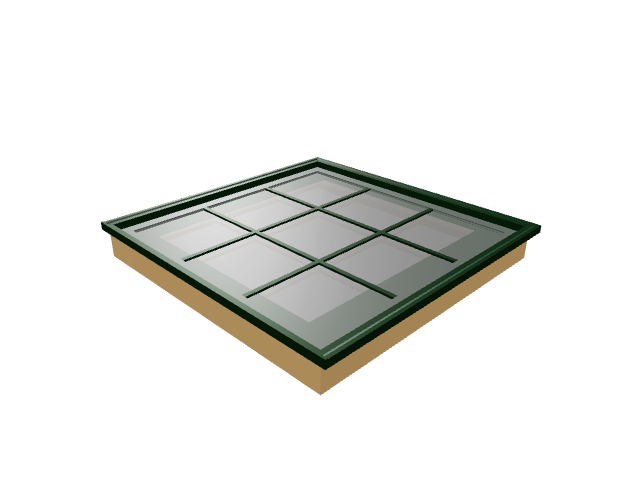
 Live demo
Default Company
Premium Casement Window
Explore Premium Casement Window in the live NOVOGEX configurator.
Explore example →Try the available interactive example, then browse other product categories where a similar configuration workflow could be used.
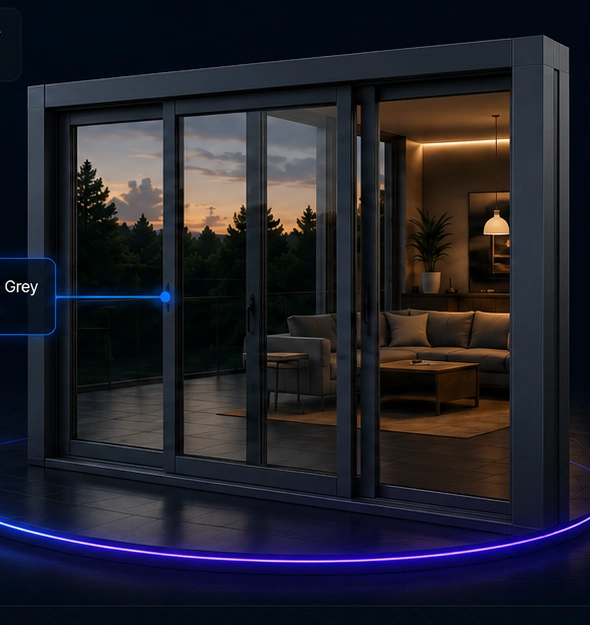
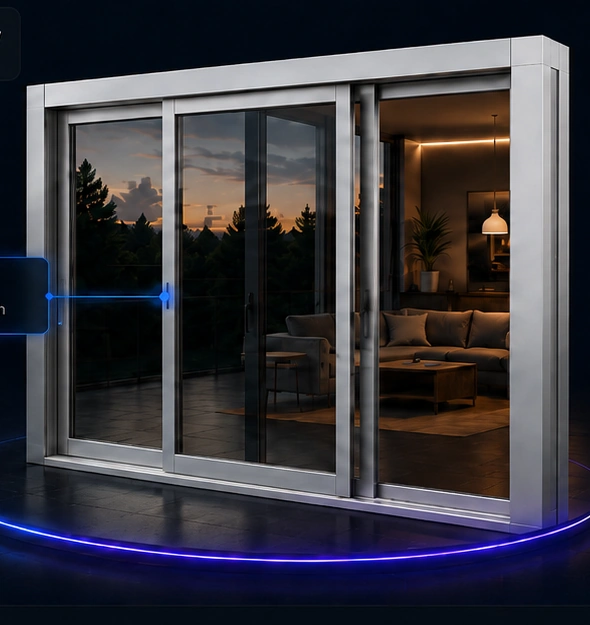
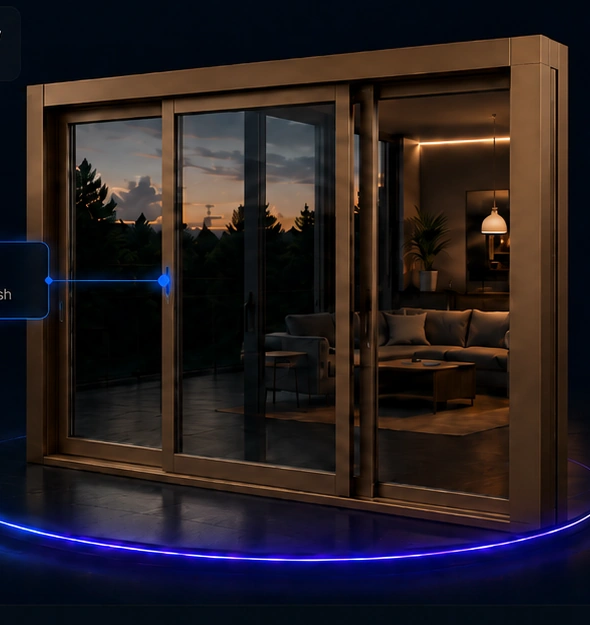
Open the available demo and browse illustrative use cases. Items marked as use cases are not yet published interactive demos.
Live demoExplore Premium Casement Window in the live NOVOGEX configurator.
Explore example →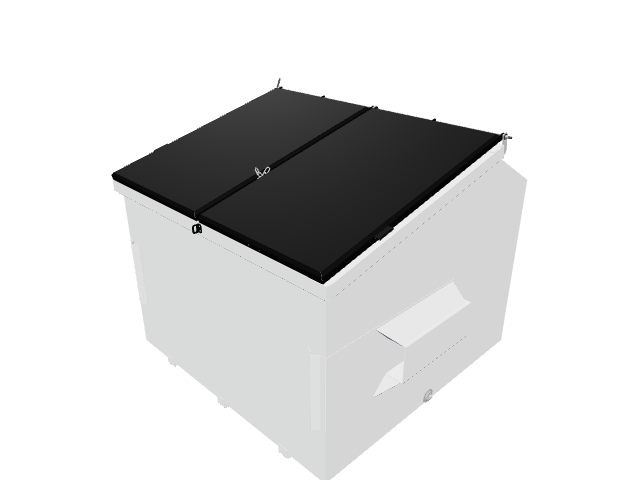 Live demo
Explore HD Bunker Configurator in the live NOVOGEX configurator.
Explore example →Designed around immediate visual feedback as configuration changes.
Organize colors, materials, sizes and accessories in one experience.
Business rules can prevent incompatible buyer selections.
Publish a clean buyer-facing experience when the configuration is ready.
Try NOVOGEX with your own 3D model. Create a Free Studio account and explore configuration options and rules.