Clear answers
Straightforward information to help you make the right decisions.
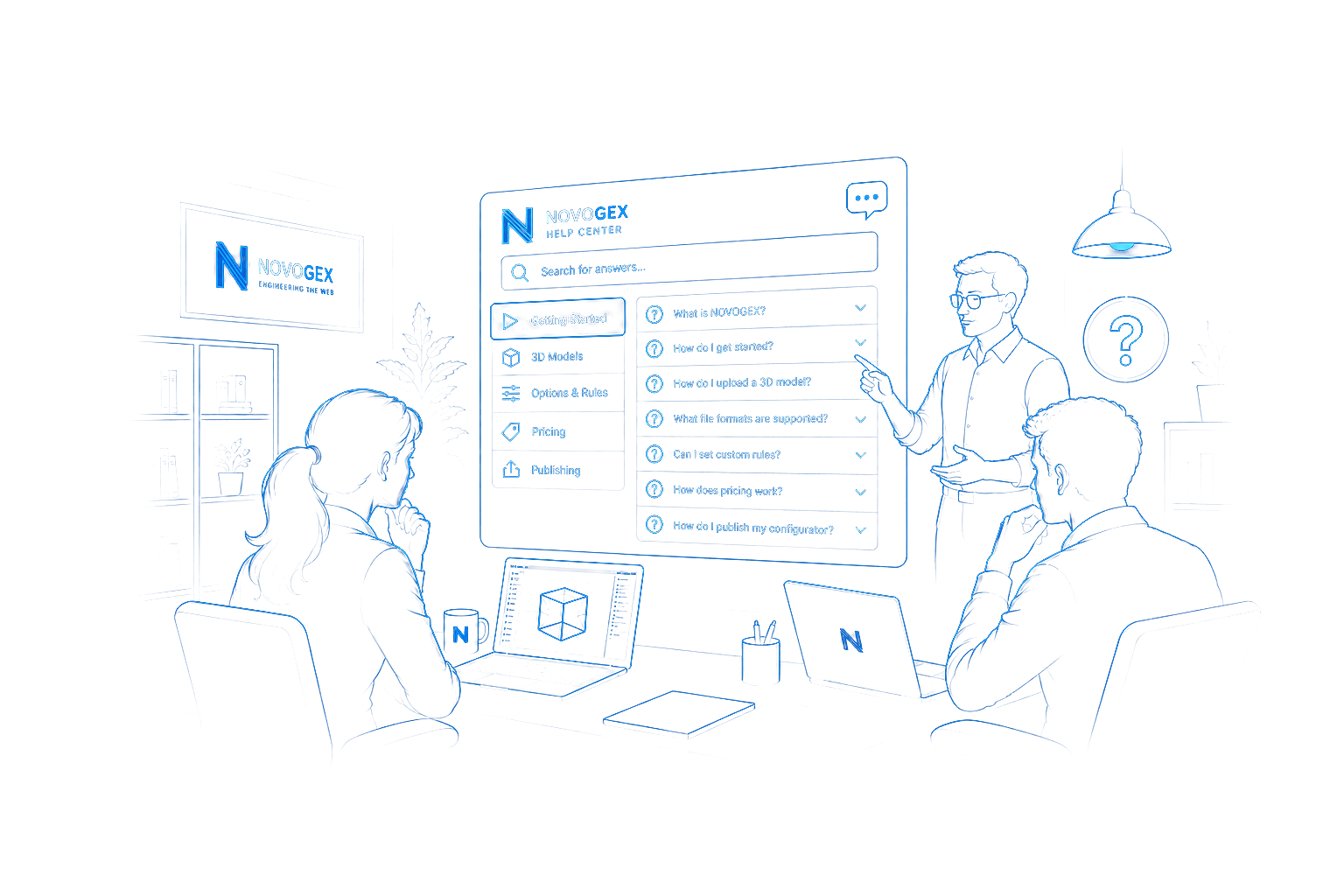
Find answers about Studio, model preparation, options, rules, publishing and available plans.
Straightforward information to help you make the right decisions.
Get the details you need without the back and forth.
Contact the NOVOGEX team when you need assistance.
NOVOGEX is a 3D product configuration platform for creating, managing and publishing interactive product configurators. In Configurator Studio, you can work with 3D models, materials, options, rules, previews and publishing in one workflow.
No. Configurator Studio provides visual tools for setting up products, materials, buyer options and rules without writing code. More advanced integrations may require development work.
Setup time depends on the condition of your 3D model and the complexity of your product. Upload your model, review the analysis and suggested configuration, adjust materials, options and rules, then preview and publish when ready.
The model upload screen shows the supported file formats and current upload limits. Check these requirements before uploading; a model may need preparation or conversion for the best browser experience.
Yes. You can define buyer options and rules to control valid product combinations, including preventing incompatible selections. Review and test your rules before publishing.
Yes. You can edit an existing product, review its updated materials, options and rules, and publish the changes when they are ready. Editing a product does not require creating a second product.
NOVOGEX can reuse shared product structures and configuration logic across related products. Free Studio includes one product; creating additional products requires a plan that allows more than one.
After you upload a 3D model, NOVOGEX examines its structure, parts and materials and prepares suggestions for your review. Check and adjust the results in Studio before publishing; automatic analysis does not verify every product-specific requirement.
Yes. Published buyer-facing configurators update the 3D preview as customers change supported options and materials, subject to the product rules you set.
NOVOGEX offers Free Studio and paid plans. The Pricing page loads current prices, limits, storage and included features from the published plan catalog. Select a plan to continue to registration. Paid access requires the applicable checkout and activation steps.
Compare plansYes. You can keep your existing account and product when changing to a plan with higher limits. See the Pricing page for available plans and their current limits; your existing Free Studio product does not need to be recreated to upgrade.
Your drafts and unpublished products are private to your account by default. A published configurator can be accessed through its public link. You control separately whether NOVOGEX may feature your published product in promotional materials. For specific hosting, security or data-handling questions, contact support.
Yes. Contact our team for help with account access, model preparation, product setup and Studio workflows. You can also use the account recovery link on the Studio sign-in page if you have forgotten your password.
Yes. Free Studio allows you to create and work with one product. Its published plan details describe the current access and publishing limits. Select Free Studio on the Pricing page to register without payment.
For product, account or technical questions, send our team a message.